PL
Spring Boot 2 - używanie index.html
4
points

Celem tego artykułu jest pokazanie, gdzie należy umieścić plik index.html w aplikacji Spring Boot 2.
Wskazówka: w tym artykule dowiesz się, jak stworzyć od podstaw aplikację Spring Boot 2.
Efekt końcowy:
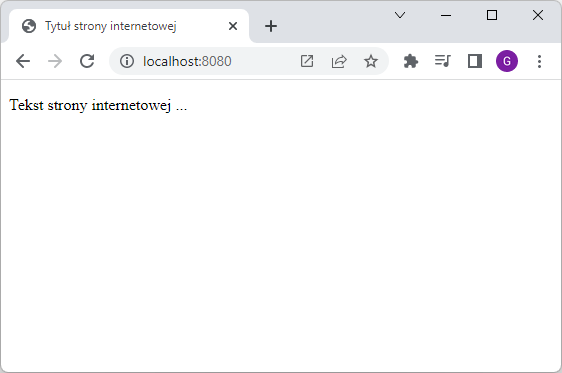
Wykonaj kroki:
- dodaj plik
index.htmlwewnątrz katalogusrc/main/resources/static/:
np.// ONLINE-RUNNER:browser; <!doctype html> <html> <head> <meta charset="utf-8" /> <title>Tytuł strony internetowej</title> </head> <body> <p>Tekst strony internetowej ...</p> </body> </html> - uruchom aplikacje Spring Boot 2 (lub zrestartuj obecnie uruchomioną),
- wpisz w przeglądarce internetowej adres http://localhost:8080.
Przykładowa struktura projektu:
