EN
React - how to disable Chrome password check on localhost?
1
answers
0
points

Recently I was developing a simple login form for my app and Google Chrome is showing an alert all the time. Is there a way to get rid of it?
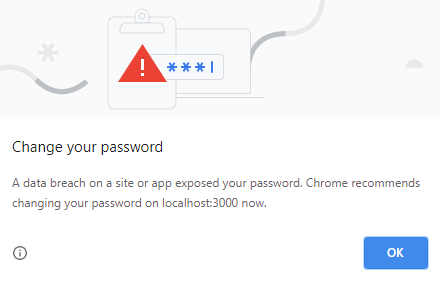
Error message:
A data breach on a site or app exposed your password. Chrome recommends changing your password on localhost:3000 now.
Alert:
1 answer
0
points
I found two solutions for the problem:
- change the password to a more complex and secure one - quick solution,
- create a separate Chrome profile and disable "Offer to save passwords" and "Auto Sign-in" in the Menu -> Settings -> Passwords -> Autofill section.
0 comments
Add comment