EN
JavaScript / Chrome - copy object from dev-tools as code
0
points

In this article, we would like to show you how to copy object from Chrome DevTools as code
1. Using context menu
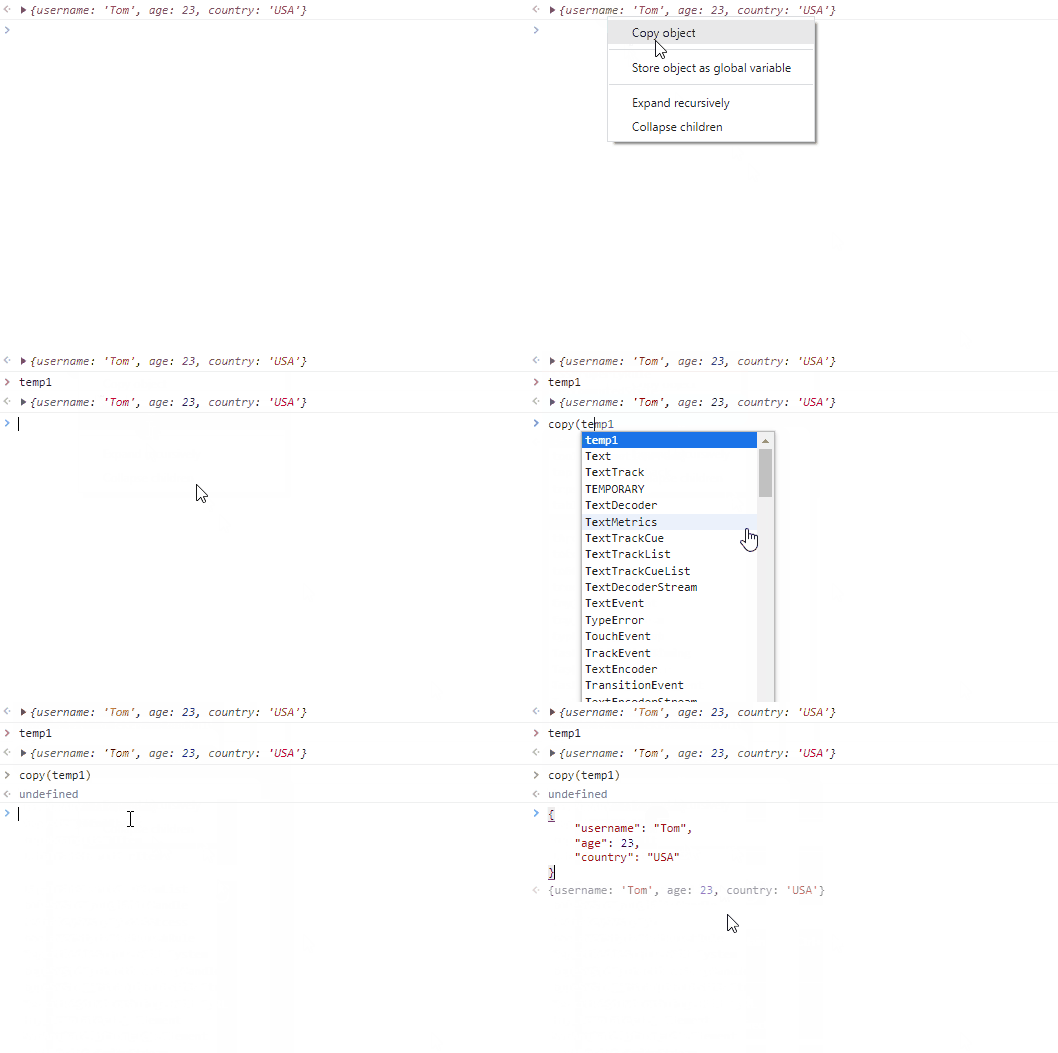
In the console right-click the object to open context menu, then select Copy object option.
Preview:

2. Using copy() method
1. In the console right-click the object to open context menu and select Save object as global variable option, it will create a new temp1 variable.
2. Use copy() method to copy the temp1 variable.
Preview: