EN
Google Chrome - view mobile version of website
0
points

In this article, we would like to show you how to open a mobile view with DevTools in Google Chrome.
Quick solution:
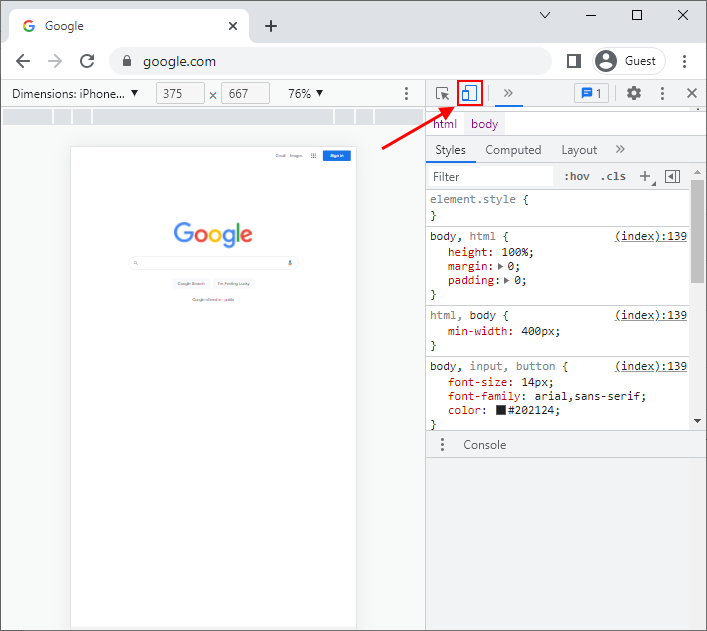
Press F12, then Ctrl+Shift+M.
Detailed solution with examples
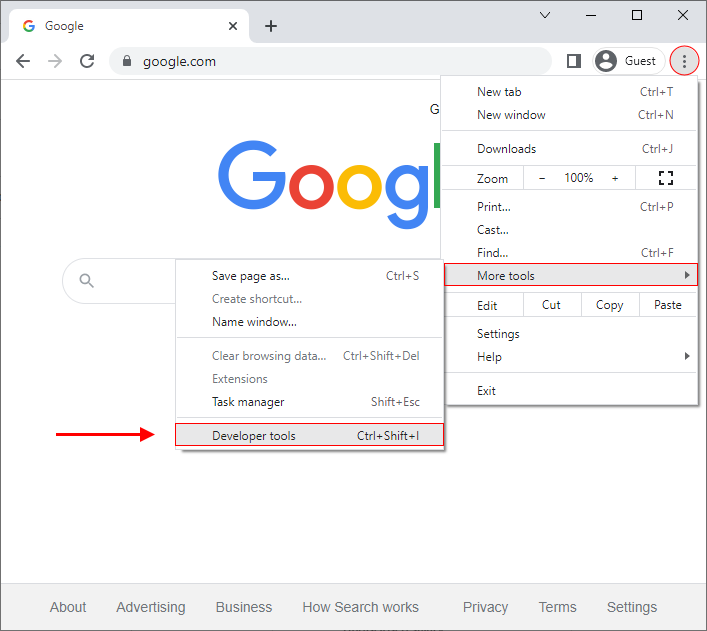
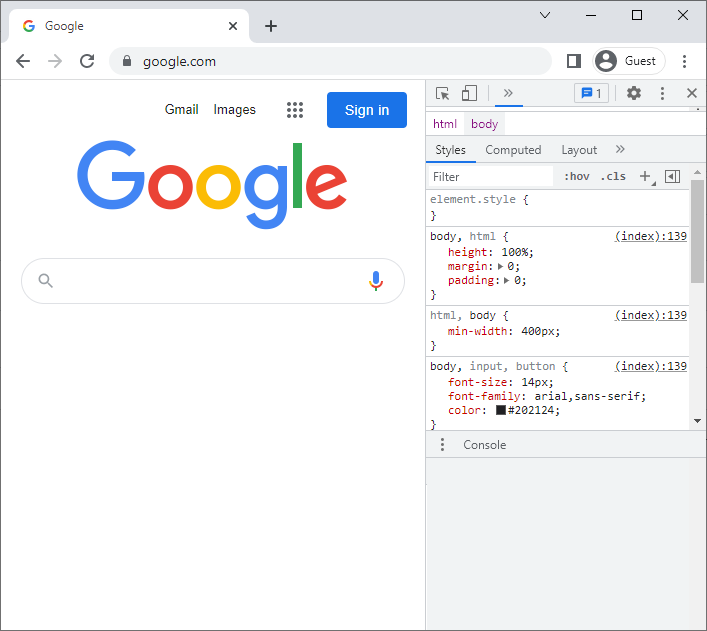
1. Open Developer tools, by clicking on the Customize & control button -> More tools -> Developer tools.
Note:
You can also do it by pressing the
F12key on the keyboard or usingCtrl+Shift+Ishortcut.
Practical example:
Result:
2. Click on the toggle device toolbar icon (or use Ctrl+Shift+M shortcut).