EN
Bash - read password in script without displaying characters
10
points

In this short article, we would like to show how to read password in Bash without displaying characters in the terminal.
Quick solution:
#!/bin/bash

read -s -p "Password: " password
Where:
-sprevents against typed characters displaying,-p "Password: "printsPassword:message,passwordis the name of the variable that will store the typed password.
Practical example
Paste the following code into your bash script (e.g. password.sh file).
#!/bin/bash

read -s -p "Password: " password
echo

if [ "$password" = 'secret_password' ]
then
	echo "User authenticated...";
else
	echo "Typed incorrect password!";
fi

read
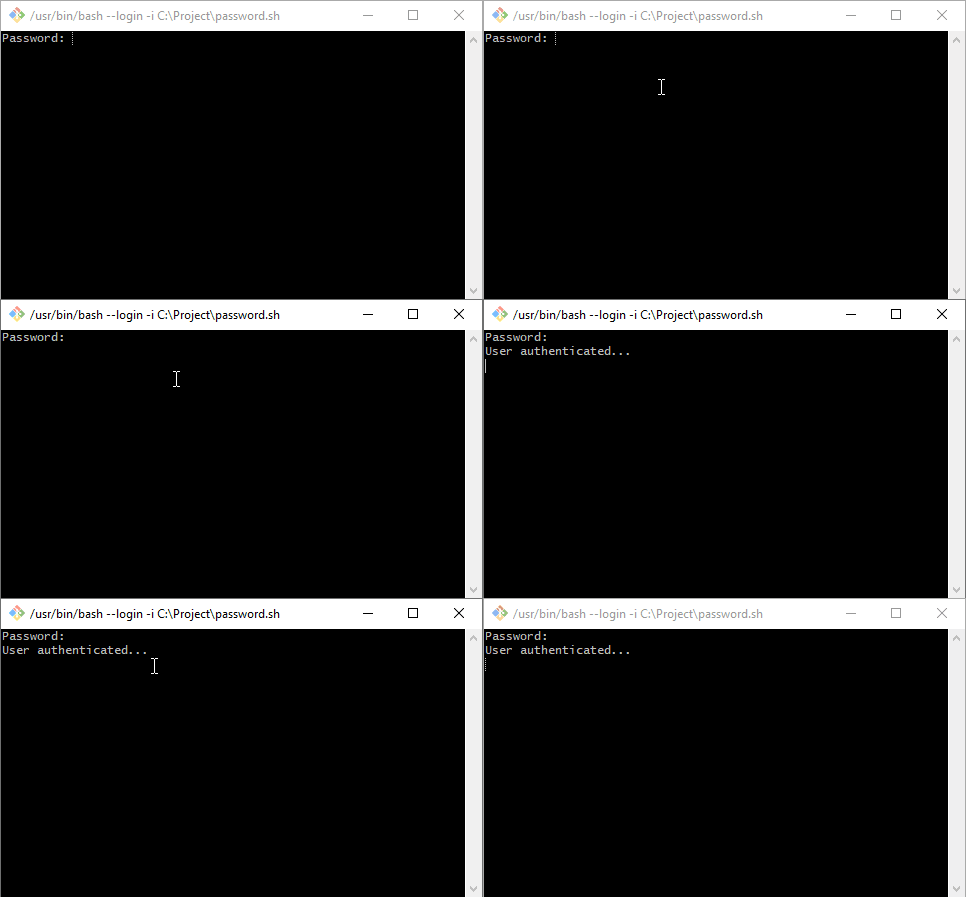
Example result: